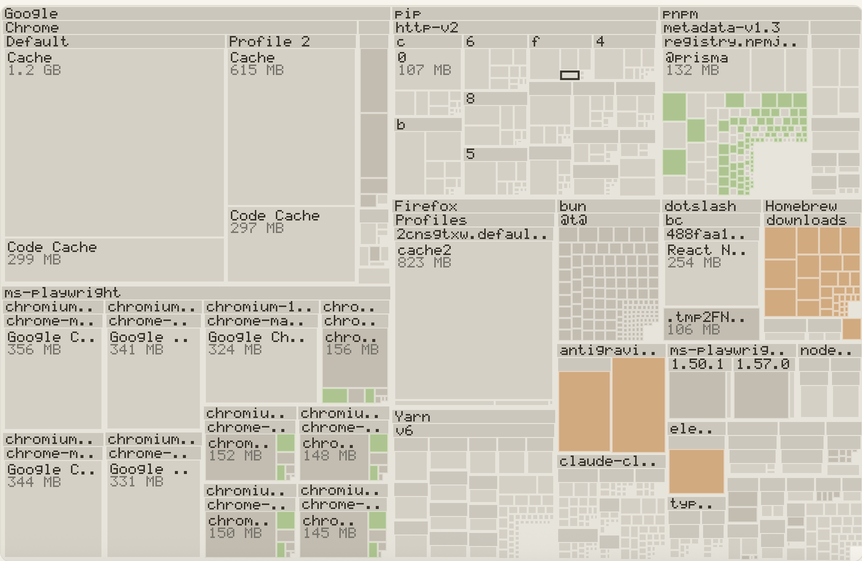
Treemap
Squarified, so tiles stay near-square and areas stay comparable at a glance.
Every disk analyzer adds up the size each file claims. Filesystems have not stored files that way for years. Plumb measures the blocks that would genuinely come back if you deleted something.
33.10 GB actually there460.91 GB reported by every tool that sums file sizes
Four mechanisms break the naive sum, and all four are ordinary. You do not have to do anything unusual to hit them. Most tools model none of them. Plumb models all four, on macOS, Linux and Windows.
A 50 MiB file, a second name for the same file, and a separate 10 MiB file. The apparent size is 110 MiB. The disk is holding 60. This exact fixture runs on Windows, Linux and macOS in continuous integration on every commit, because it is the whole thesis in one assertion.
$ dd if=/dev/zero of=big.bin bs=1m count=50
$ ln big.bin hard.bin # a second name, not a second file
$ plumb scan .

  logical      110.00 MB
  allocated    60.01 MB
  freeable     60.01 MB  <- what deleting actually frees
  shared       1 entries share blocks with another path

# du -sk agrees: 61452 KiB.
Every view can be sized by reclaimable bytes, allocated bytes, or logical bytes. Switching between them is the fastest way to see the gap this project exists to measure. All eight are rasterized in Rust and drawn as a single image, which is why a quarter of a million nodes stays interactive.
Squarified, so tiles stay near-square and areas stay comparable at a glance.
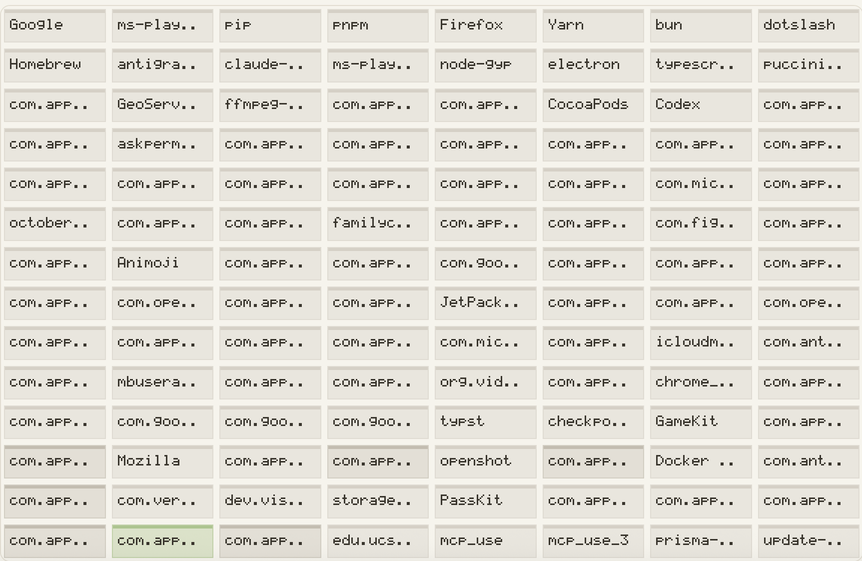
Plain nested rectangles, one level at a time, for when the treemap is too dense to read.
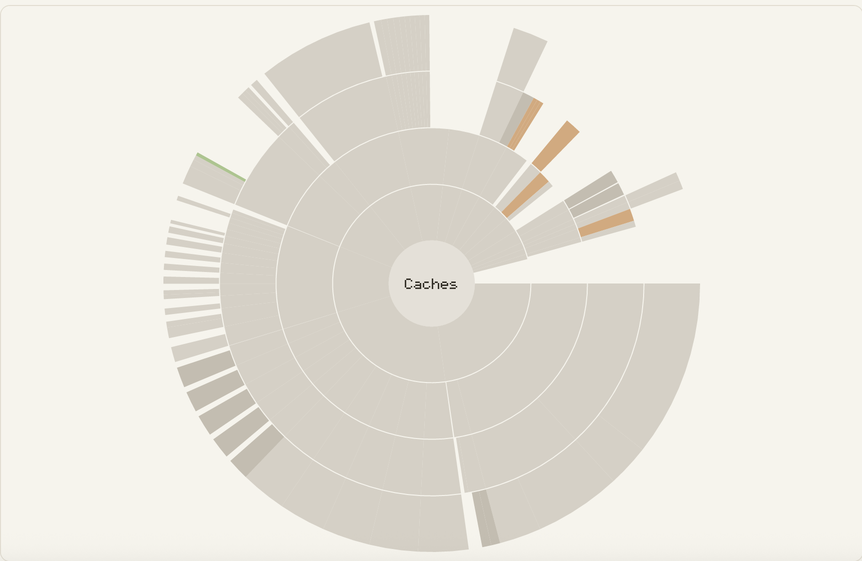
Radial. Depth reads as distance from the centre, which keeps deep trees legible.
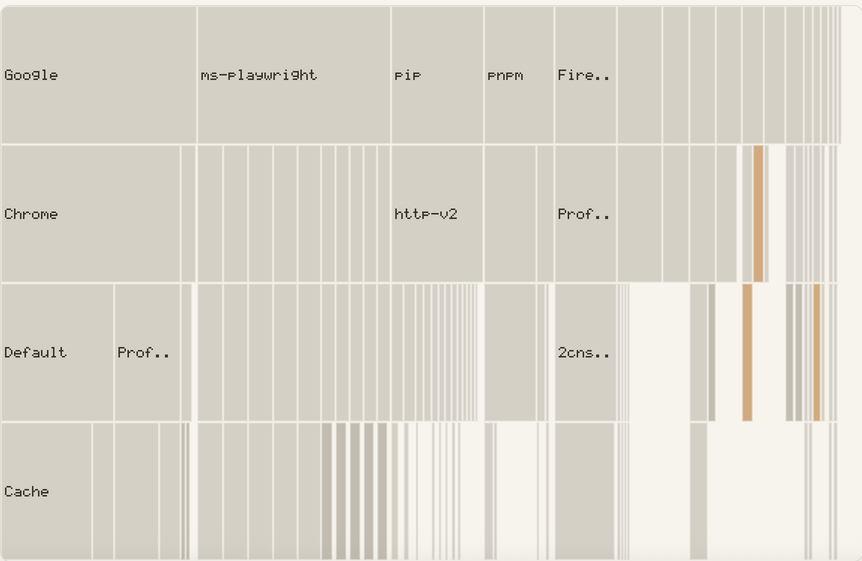
An icicle layout. The fastest way to find one deep, expensive path.
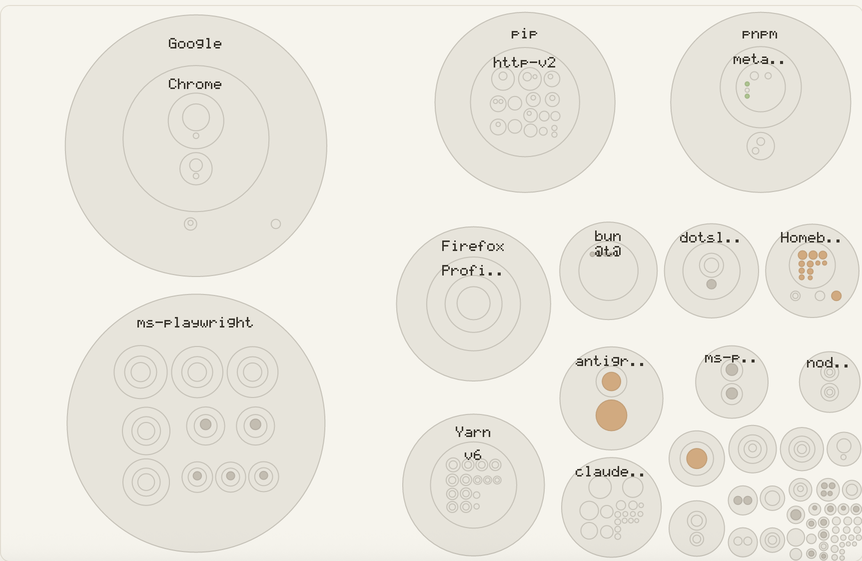
Circle packing. Emphasises count and clustering rather than exact area.
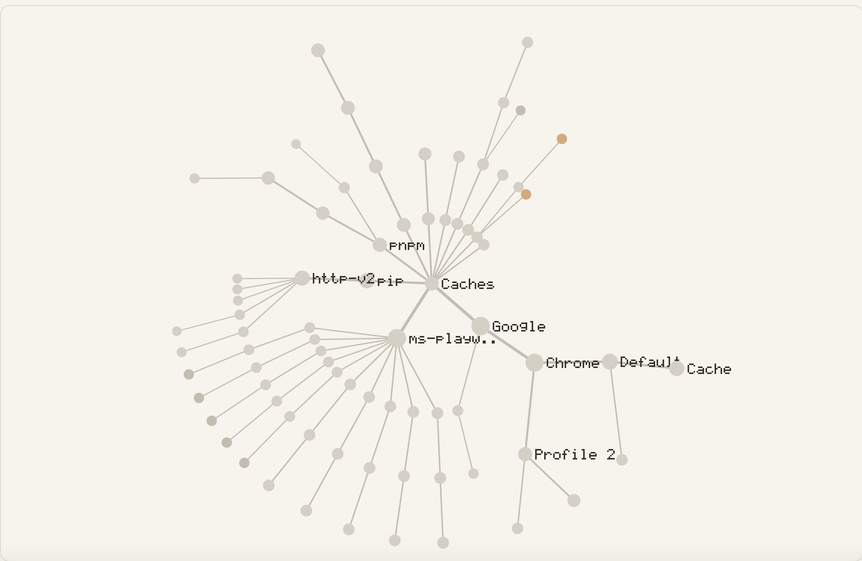
A radial tree. Shows how a directory is shaped, not how large it is.
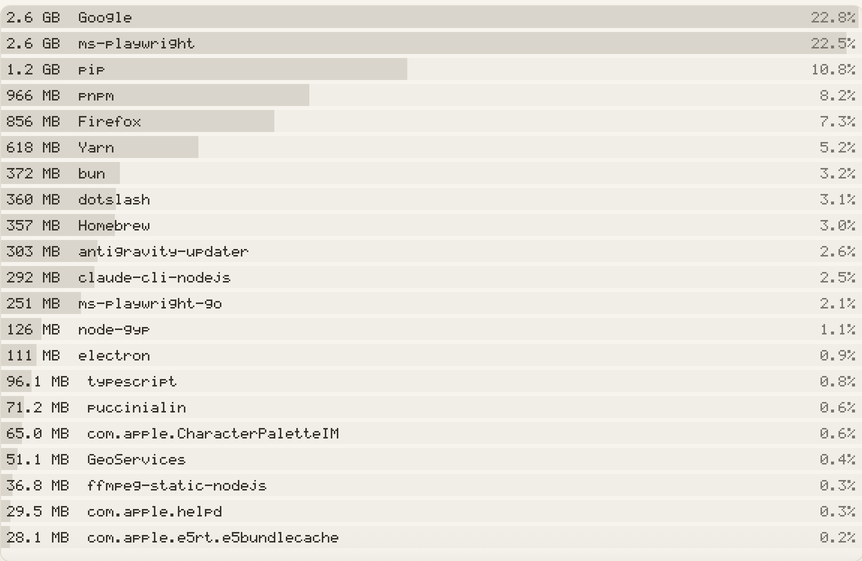
A ranked list, scoped to here, to files anywhere, or to folders anywhere.
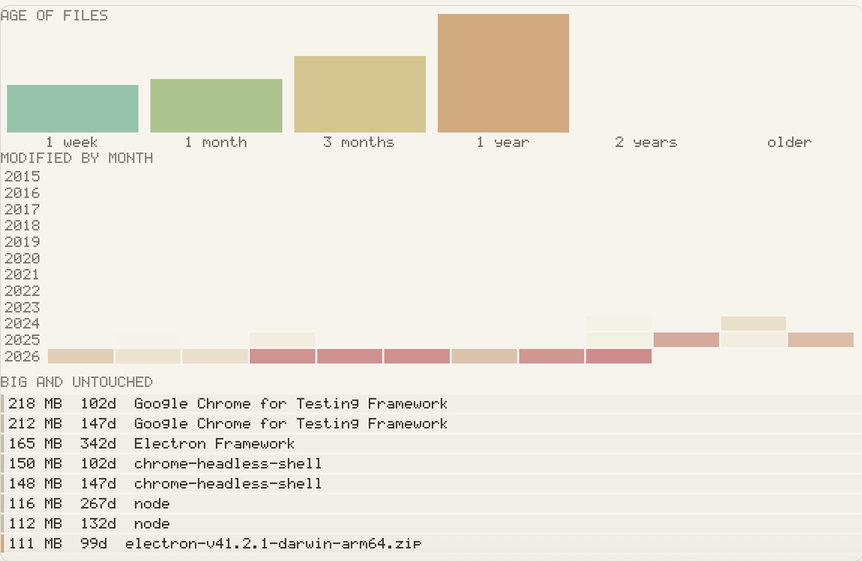
Coloured by last-modified age. Old and large is the best cleanup signal there is.
This tool moves files, so the safety model is not a footnote. It is four steps, and you can stop after any of them.
plumb clean stages. It does not delete.Selected paths are renamed into a private staging directory on the same volume, so the move is atomic and costs no extra space. If no same-volume staging directory can be made, the item is refused. There is no fallback that copies, and none that deletes.
It records every item’s original path, its staged path, its size, and its (device, inode, mtime) identity. A crash at any point afterwards leaves something that can still be undone.
plumb restore puts everything back.One command, one manifest, everything returned. Restore never clobbers: if something now occupies the original path, that item stays staged and stays listed rather than overwriting whatever is there.
plumb commit is the only thing that deletes.It is the single function in the project that removes anything, and it refuses any path outside a staging directory. That check is a runtime gate compiled into release builds, not a debug assertion. It is the last thing standing between a path-handling bug and your home directory.
Nothing is ever deleted except by commit, and everything commit can delete is described by a manifest that was written to disk before the first file moved.
Version 0.1.0. Free and open source under Apache-2.0. Windows builds from source only.
Works on every platform, including Windows, and produces no quarantine flag.
$ git clone github.com/Karanjot786/Plumb
$ cd Plumb
$ cargo install --path crates/plumb-cli  # installs `plumb`

$ plumb scan ~/Downloads
There is no Apple Developer signature on the app, because notarization costs $99 a year and this project does not have it. macOS will refuse to open it the first time.
Right-click the app, choose Open, then Open again in the dialog that follows. Once. For the command line tool, xattr -d com.apple.quarantine ./plumb. If that trade is not acceptable for a tool that moves files, which is a fair objection, build from source instead.
| Platform | Engine and CLI | Desktop app | Applications |
|---|---|---|---|
| macOS | Verified by running | Verified by running | Yes |
| Linux | Verified by running | Builds and launches | No |
| Windows | Runs in CI on real NTFS | Never launched | No |
The Applications tab reads macOS bundles and the files they scatter through your Library. Windows application discovery is not written, so the tab does not appear there.